
The Best Laptops for Video Editing of 2026

Whether you cut 4K timelines for a living or edit family videos on weekends, these are the laptops worth your money right now.
Quick Picks
Apple MacBook Pro 16-inch (M4 Max) (~$3,399) — The overall best, with unmatched efficiency and a stunning display
Dell XPS 16 (~$3,200) — The best Windows laptop for most video editors
ASUS ProArt Studiobook 16 OLED (~$2,034) — The best display for color-critical work
Lenovo ThinkPad P16s Gen 3 (~$2,300) — ISV-certified workstation for editors on a budget
Razer Blade 16 (2025) (~$2,900) — Best if you also want a gaming laptop
Best Overall: Apple MacBook Pro 16-inch (M4 Max)
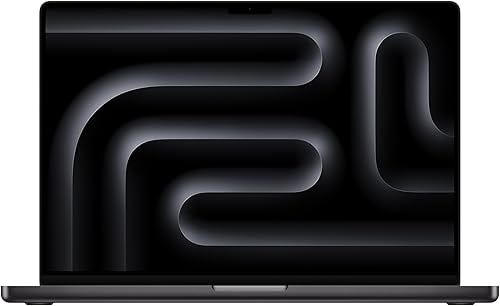
The M4 Max packs a 16-core CPU and up to a 40-core GPU with 128 GB of unified memory. Scrubbing through multicam 8K ProRes timelines in Final Cut Pro or DaVinci Resolve feels nearly instantaneous. Real-world editing sessions routinely stretch past 10–12 hours unplugged.
The 16.2-inch Liquid Retina XDR display delivers 1,600 nits of peak HDR brightness and covers the full DCI-P3 gamut. Editors praise the silence under load. Main complaints: the price, and Premiere Pro still not leveraging Apple Silicon as efficiently as Final Cut or Resolve.
Best Windows Laptop: Dell XPS 16
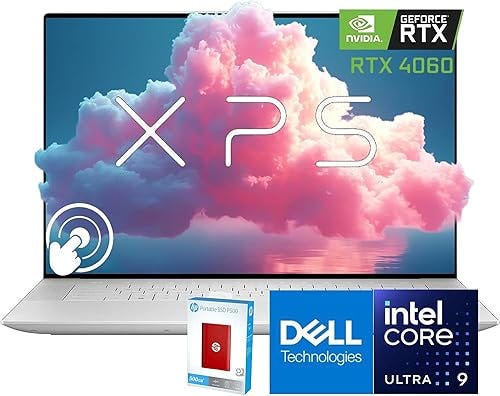
Intel Core Ultra 9 with NVIDIA GeForce RTX 4060 and up to 32 GB of LPDDR5x RAM. Hardware-accelerated encoding via NVENC and NVDEC makes Premiere Pro and Resolve exports significantly faster. The 16-inch 4K+ OLED touchscreen covers 100% of DCI-P3 with Delta E under 2.
Machined aluminum chassis under 4.8 pounds. Editors note thermal throttling during sustained exports over 30 minutes. Battery life during editing: 5–6 hours.
Best Display: ASUS ProArt Studiobook 16 OLED
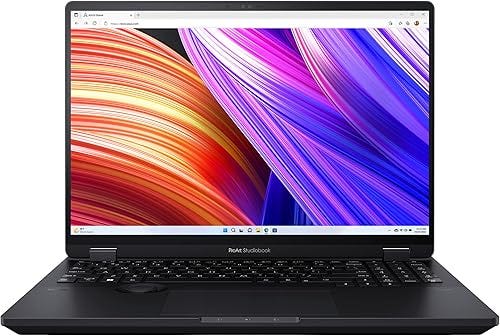
The 16-inch 4K OLED panel is Calman-verified, covering 100% of DCI-P3 and 97% of Adobe RGB with Delta E less than 1. Pantone Validated certification and a built-in colorimeter for on-the-fly recalibration.
Intel Core i9-13980HX paired with NVIDIA RTX 4070 and 32 GB of DDR5. The ASUS Dial physical rotary control is genuinely useful for scrubbing timelines. 5.07 lbs, 4–5 hours battery during editing.
Best Budget Pick: Lenovo ThinkPad P16s Gen 3
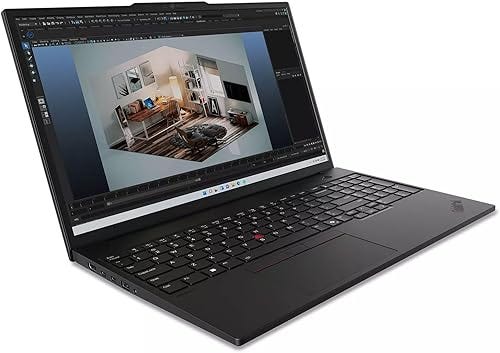
ISV-certified for Adobe Creative Cloud, DaVinci Resolve, and Autodesk. Intel Core Ultra 7, 32 GB DDR5, NVIDIA RTX 500 Ada. The 16-inch 4K OLED covers 100% of DCI-P3. ThinkPad keyboard makes long sessions comfortable.
The RTX 500 Ada is integrated-class — won’t match discrete GPUs for heavy effects. But for straightforward 4K cuts, color grades, and standard effects, it’s smooth. Battery: 8–10 hours.
Best for Editors Who Also Game: Razer Blade 16 (2025)
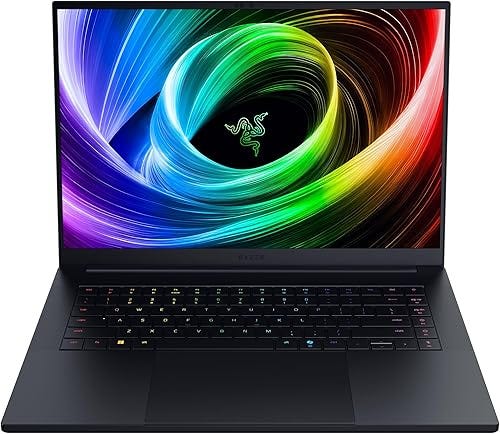
AMD Ryzen AI 9 365, NVIDIA RTX 5080 with 12 GB GDDR7, 32 GB LPDDR5x. QHD+ 240 Hz OLED display excellent for both editing and gaming. Export performance matches the ASUS ProArt.
CNC-aluminum at 0.87 inches thick. Thunderbolt, USB-C, HDMI 2.1, SD card slot. Fans get loud under load. If you want one machine for editing and gaming, this is it.
A Few Things Worth Knowing
RAM: 32 GB minimum for 4K editing. 64 GB for multicam or heavy After Effects. Apple’s unified memory is more efficient — 48 GB performs like 64 GB conventional.
Storage: Edit off fast NVMe drives. For large ProRes/RAW files, look for dual SSD slots or use a Thunderbolt SSD.
Software guides hardware: Resolve leans on GPU. Premiere leans on CPU + NVENC. Final Cut is Apple Silicon optimized. Match the laptop to your NLE.