
The Best 4K Monitors of 2026

Whether you need pinpoint color accuracy for creative work or buttery-smooth motion for gaming, these are the 4K monitors worth buying right now.
Quick Picks
Dell UltraSharp U2723QE (~$280) — Best all-around 4K monitor with excellent color and USB-C hub
Samsung Odyssey OLED G8 G80SD (~$953) — Best 4K OLED for gaming with true blacks and 240Hz
ASUS ProArt PA279CRV (~$399) — Best budget creative monitor with factory-calibrated color
LG UltraFine 32UN880-B Ergo (~$548) — Best 32-inch with a flexible clamp-on ergonomic arm
Apple Studio Display (~$1,599) — Best for Mac users with 5K sharpness and seamless integration
Best Overall: Dell UltraSharp U2723QE
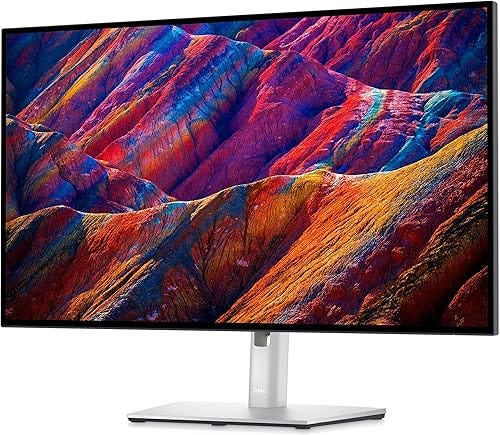
27-inch IPS Black panel with 2000:1 contrast ratio — double standard IPS. 3840x2160, 98% DCI-P3, Delta E under 2 out of the box. USB-C delivers 90W charging while driving the display. HDMI 2.1, DisplayPort 1.4, built-in USB-C hub with downstream ports.
Fully adjustable stand (tilt, swivel, pivot, height). 60Hz only — not for gaming. For productivity, photo editing, and coding, it’s the best balance of quality and price.
Best for Gaming: Samsung Odyssey OLED G8 G80SD
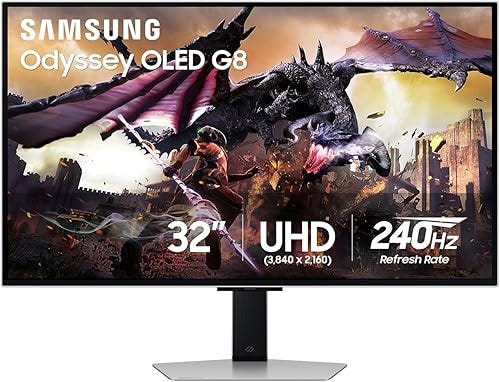
32-inch 3840x2160 QD-OLED with perfect blacks and infinite contrast. 240Hz refresh, 0.03ms response time. Runs Tizen OS with Netflix, YouTube, Xbox Cloud Gaming built in. Two HDMI 2.1, DisplayPort 1.4, USB-C with 65W charging.
Main complaints: matte coating some find hazy vs glossy OLED, and the price. Samsung’s pixel-shift and panel care features mitigate burn-in risk. 3-year warranty included.
Best Budget Creative Monitor: ASUS ProArt PA279CRV
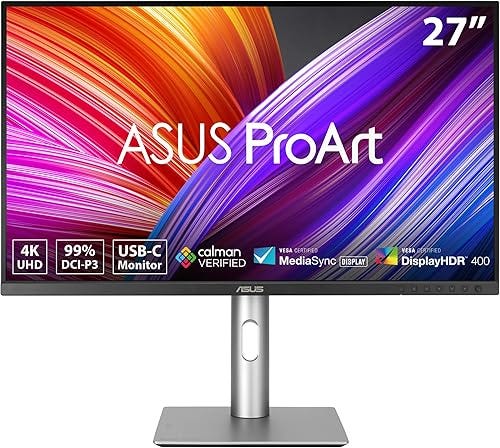
27-inch 4K IPS, 99% DCI-P3 and 99% Adobe RGB, factory calibrated Delta E under 2, Calman Verified. USB-C with 96W Power Delivery — charges a 16-inch MacBook Pro at full speed. Built-in KVM switch for toggling between two machines.
60Hz and 350-nit peak brightness limit HDR performance. But for SDR creative work, it punches well above its ~$399 price. Full ergonomic stand adjustments.
Best 32-Inch with Ergonomic Arm: LG UltraFine 32UN880-B Ergo
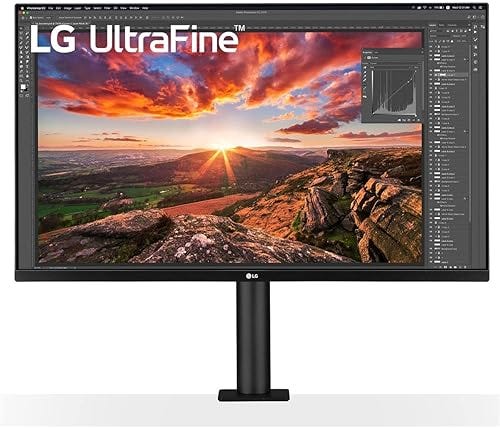
Ships with a clamp-on arm instead of a traditional base, freeing your entire desk. Extend, retract, tilt, swivel, pivot, height — replaces a $100+ aftermarket arm. 32-inch 3840x2160 IPS, 95% DCI-P3, HDR10. USB-C with 60W PD.
Color accuracy is solid (Delta E ~3). Clamp requires desk edge under ~3.5 inches. For smaller home offices, the space savings are transformative.
Best for Mac Users: Apple Studio Display
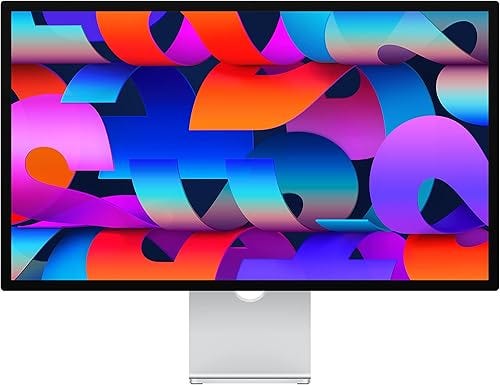
27-inch 5K Retina (5120x2880) at 218 PPI — noticeably crisper text than any 27-inch 4K at 163 PPI. 600 nits, full P3 gamut. Built-in six-speaker spatial audio, three-mic array, and 12MP Ultra Wide camera with Center Stage. Single Thunderbolt 3 cable with 96W charging.
Only works well with Macs, no variable refresh rate beyond 60Hz, nano-texture glass adds $300. But for Mac-centric professionals, no other display integrates as seamlessly with macOS.
The Bottom Line
For most people, the Dell UltraSharp U2723QE at ~$280 is a steal. Budget-conscious creators: ASUS ProArt PA279CRV at ~$399. Gamers: Samsung Odyssey OLED G80SD. Space-saving 32-inch: LG Ergo. Mac users who want the sharpest text: Apple Studio Display.